
How to Use WhatsApp Business for Sales: A Guide for Bangladeshi Brands
A customer messages you at 10 p.m. and asks, “Price koto? Delivery ache?” You reply the next morning. By then, they have ordered from someone else.
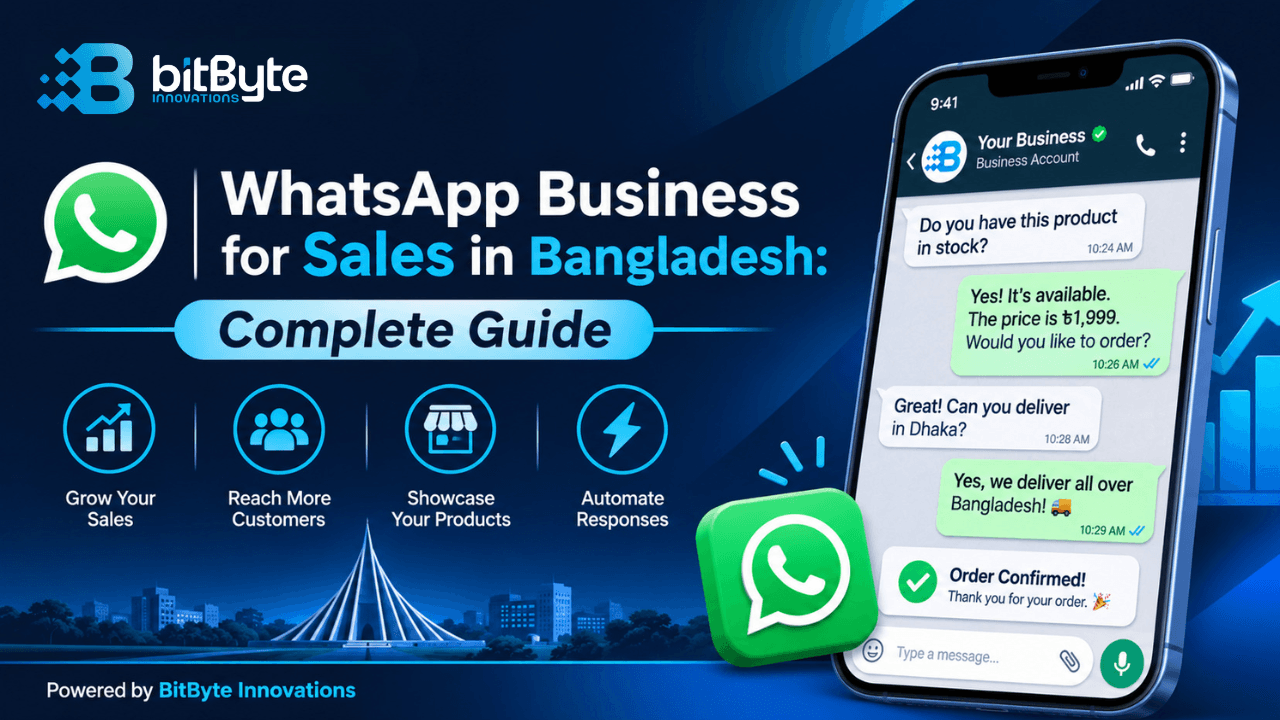
A customer messages you at 10 p.m. and asks, “Price koto? Delivery ache?” You reply the next morning. By then, they have ordered from someone else.
That story is common for local sellers, and it is fixable. Using WhatsApp Business for sales in Bangladesh works best when you treat it like a real sales channel, not a phone inbox. In this guide, you will learn how to set it up, speed up replies, take payments, and turn more chats into orders.
Why WhatsApp Business for Sales in Bangladesh Works
Bangladeshi buyers like to talk before they pay. They ask about size, color, price, and delivery time. Facebook commerce built this habit, and WhatsApp carries it forward. Meta has noted that for many small business owners here, WhatsApp is the business itself. It is their virtual counter for showing products and answering questions.
Cash on delivery is still common for online orders, so trust decides the sale. A fast, friendly reply often earns that trust. Here is why the channel fits so well:
- Speed: Buyers expect an answer in minutes, not hours.
- Familiarity: Most of your customers already use the app daily.
- Low cost: The Business app is free to start.
- Personal touch: A one-to-one chat feels safer than a public comment.
- Payment fit: You can confirm bKash, Nagad, or cash on delivery in the same thread.
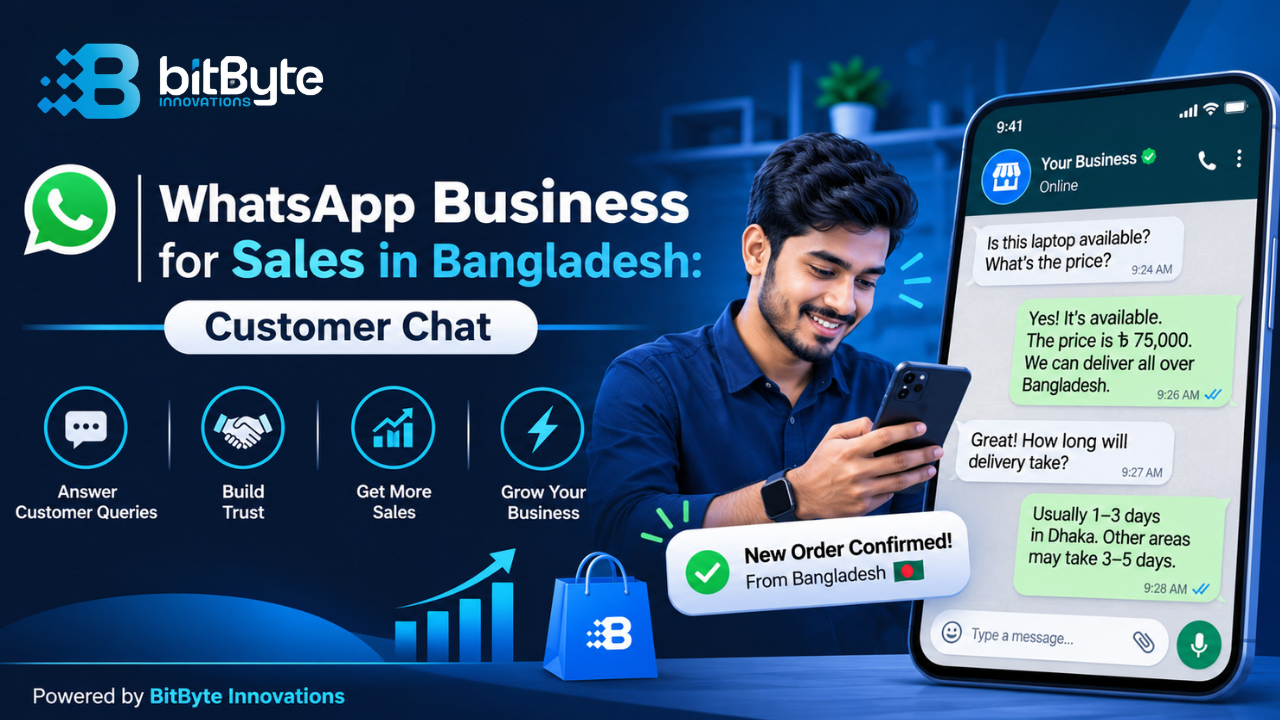
WhatsApp Business App vs API: Which One Do You Need?
Meta offers two tools. Pick the one that matches your team size and chat volume.
| Feature | Business App | Business API |
|---|---|---|
| Best for | Solo sellers and small teams | Growing brands with high chat volume |
| Cost | Free | Per-message fees plus a provider fee |
| Team access | One phone plus linked devices | Many agents on a shared inbox |
| Automation | Greeting, away message, quick replies | Chatbots, message templates, CRM links |
Start with the app. Move to the API when your team cannot keep up. Our WhatsApp marketing services can help you make that jump without losing chat history or momentum.
How to Set Up WhatsApp Business for Sales in Bangladesh: 7 Steps
Follow these steps in order. Each one removes a common reason why chats do not turn into orders. Together, they give WhatsApp Business for sales in Bangladesh a solid base.
1. Build a complete business profile
Add your logo, address, working hours, website, and a clear description. Use the same brand name you use on Facebook. A full profile looks trustworthy, and trust drives the first reply.
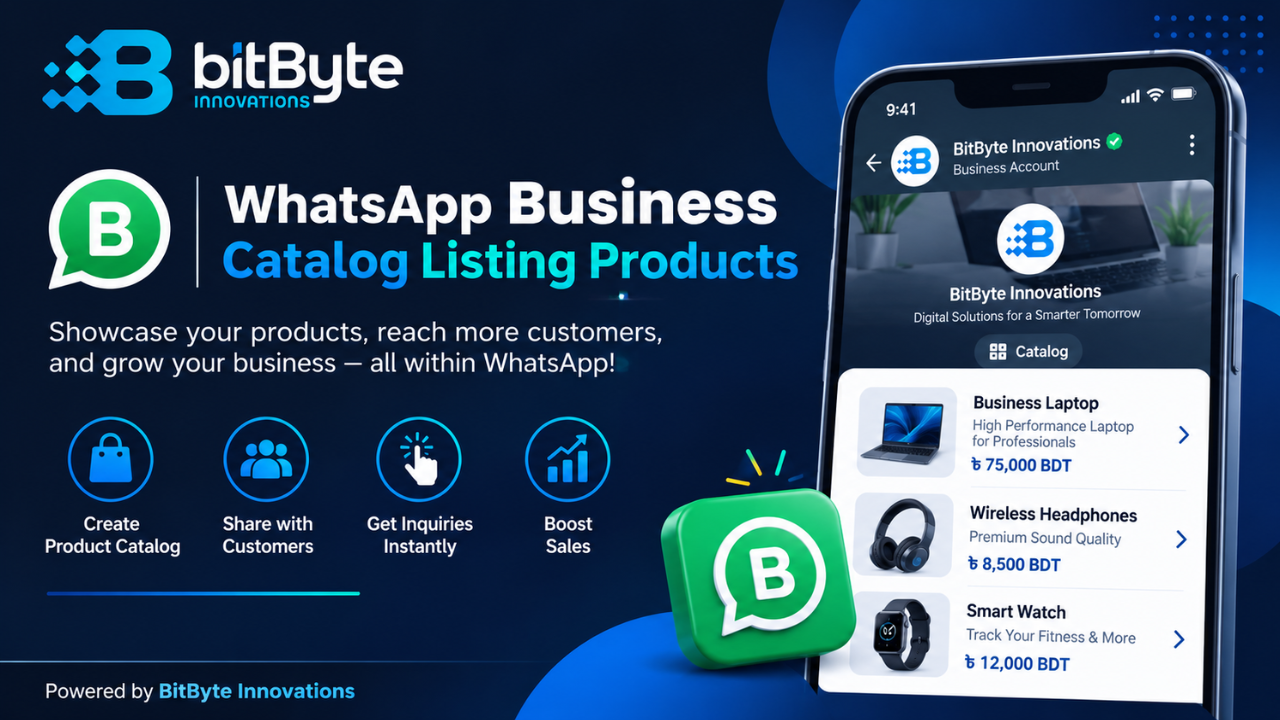
2. Create a product catalog
List your best sellers with a clear photo, a price in BDT, and a short description. Customers can browse without asking “Dam koto?” on every item. That saves you dozens of repeat messages each day.
3. Set up greeting, away messages, and quick replies
Turn on a greeting message for new chats. Add an away message for late-night hours. Then save quick replies for common questions such as delivery charge, return policy, and payment details. Type a short code like /delivery, and the full answer appears.
4. Label every chat
Labels stop leads from disappearing. Use a simple set:
- New lead
- Price asked
- Payment pending
- Paid
- Delivered
Check “Payment pending” every evening. Those people already want to buy.
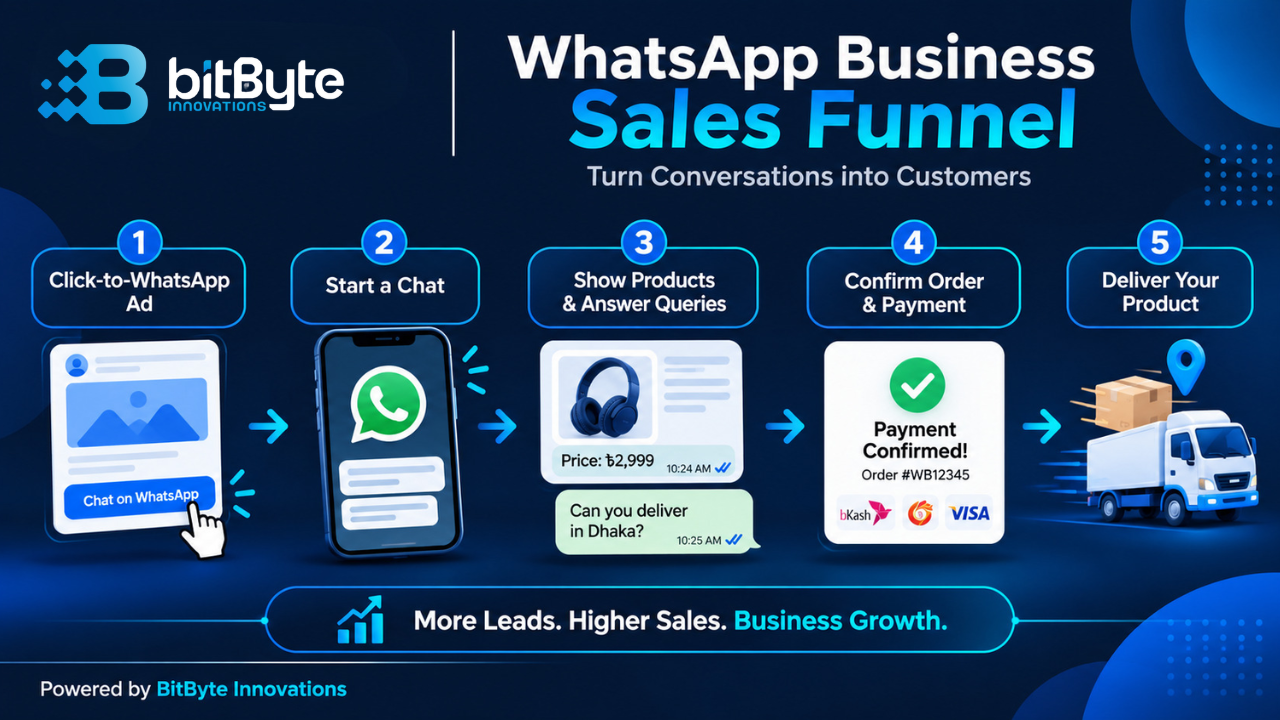
5. Bring buyers in with Click-to-WhatsApp ads
Your Facebook and Instagram ads can open a WhatsApp chat instead of a landing page. This suits Bangladesh well, because buyers want to ask before they buy. Our Meta ads management team builds these campaigns with tracking from the first click.
6. Confirm payment the local way
Share your bKash or Nagad merchant number and ask for the transaction ID. For cash on delivery, send a short confirmation with the product, price, address, and delivery date. Then call to confirm high-value orders. This one habit helps reduce fake orders and returns.
7. Follow up, but only with permission
Ask customers to opt in before you send offers. Then message them about restocks, festival sales, or reorder reminders. Keep every message useful. People who feel pestered will block you, and too many blocks can limit your account. You can read Meta’s rules on the official WhatsApp Business site.
A Simple Chat Flow That Turns Questions into Orders
Good sales chats follow a rhythm. Use this flow as a base, then adjust the tone to match your brand.
- Greet fast. Reply within five minutes during working hours.
- Ask one question. “Which size do you need?” works better than a long form.
- Show the product. Send the catalog link or one clear photo.
- State price and delivery. Give the full cost up front.
- Confirm the order. Repeat the product, address, and payment method.
- Follow up. Send a delivery update, then ask for a review.
Keep messages short and warm. Many Bangladeshi buyers prefer Bangla or a Bangla-English mix. So write the way your customers speak.
Use Eid, Ramadan, and Boishakh to Boost Sales
Festival seasons bring a flood of questions, and WhatsApp Business for sales in Bangladesh peaks at these times. Prepare before they arrive. Update your catalog with festive items. Write quick replies for delivery cut-off dates. Add a clear away message for rush days.
Also, message past buyers first. They already know you, so they reply faster. A short note such as “New Eid collection is live. Want to see it?” often works better than a mass post. Always send it only to people who agreed to hear from you.
5 Mistakes That Kill WhatsApp Sales
- Slow replies. Every hour of delay costs you a warm buyer.
- Using a personal number. It looks less professional and mixes private and work chats.
- Messaging strangers in bulk. It breaks WhatsApp rules and risks a ban.
- Keeping no order record. Without labels or a CRM, leads get lost.
- Relying on one person and one phone. When that person is away, sales stop.
How to Track Your WhatsApp Sales Results
You cannot improve what you do not measure. To see how WhatsApp Business for sales in Bangladesh performs for you, track these four numbers every week:
- First response time: How fast do you answer new chats?
- Chat-to-order rate: How many chats end in a paid order?
- Cost per chat: How much does each ad click to WhatsApp cost?
- Repeat buyer rate: How many customers come back?
A simple sheet is enough at first. As volume grows, connect your chats to a CRM. Our team can build custom software that links WhatsApp, orders, and customer data in one place. To answer repeat questions around the clock, our AI solutions team can set up a chatbot for you.
Where Social Media Marketing Fits In
WhatsApp closes the sale, but people still need to find you first. That is where Facebook, Instagram, and TikTok help. They bring attention, and WhatsApp turns it into orders.
Our social media marketing services in Bangladesh connect both sides. We handle content, ads, and the chat flow that follows. That way, WhatsApp Business for sales in Bangladesh becomes one part of a bigger growth plan, not a lonely side channel.
FAQs About WhatsApp Business for Sales in Bangladesh
Is WhatsApp Business free to use in Bangladesh?
Yes. The Business app, which many brands use for sales in Bangladesh, is free to download and use. The API charges per message and usually adds a provider fee.
Can I send bulk messages to customers?
Only to people who opted in. Broadcast lists reach contacts who saved your number. Cold bulk sending can get your number restricted.
Is WhatsApp better than Facebook Messenger for sales?
For WhatsApp Business for sales in Bangladesh, the answer is not either-or. Neither wins every time. Facebook helps you find new buyers. WhatsApp is often better for follow-up, payment confirmation, and repeat orders. They work best together.
How many numbers should my brand use?
Use one dedicated main number per brand. Then add your team through linked devices or the API, so no single phone holds all your sales.
Start Selling Smarter on WhatsApp
WhatsApp Business for sales in Bangladesh is not about fancy tools. It is about speed, trust, and a clear process. Build your profile, set up your catalog, label your chats, and follow up with care. Do this for 30 days, and you will see the difference in your orders.
Want a team to build the full system with you? Talk to BitByte Innovations and let’s plan your next sales channel together.