
What AI for Business Automation Really Means
Traditional automation follows fixed rules. If an invoice arrives, save it to a folder. That works well, and tools for robotic process automation have done it for years.
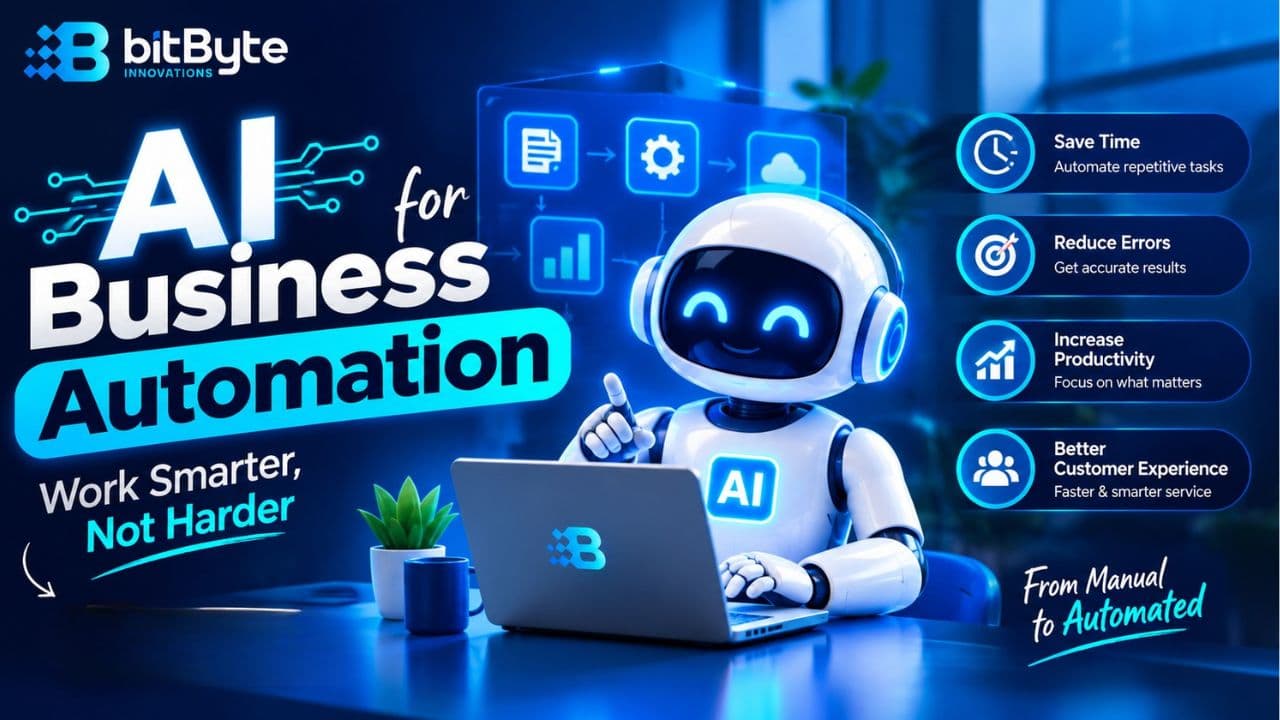
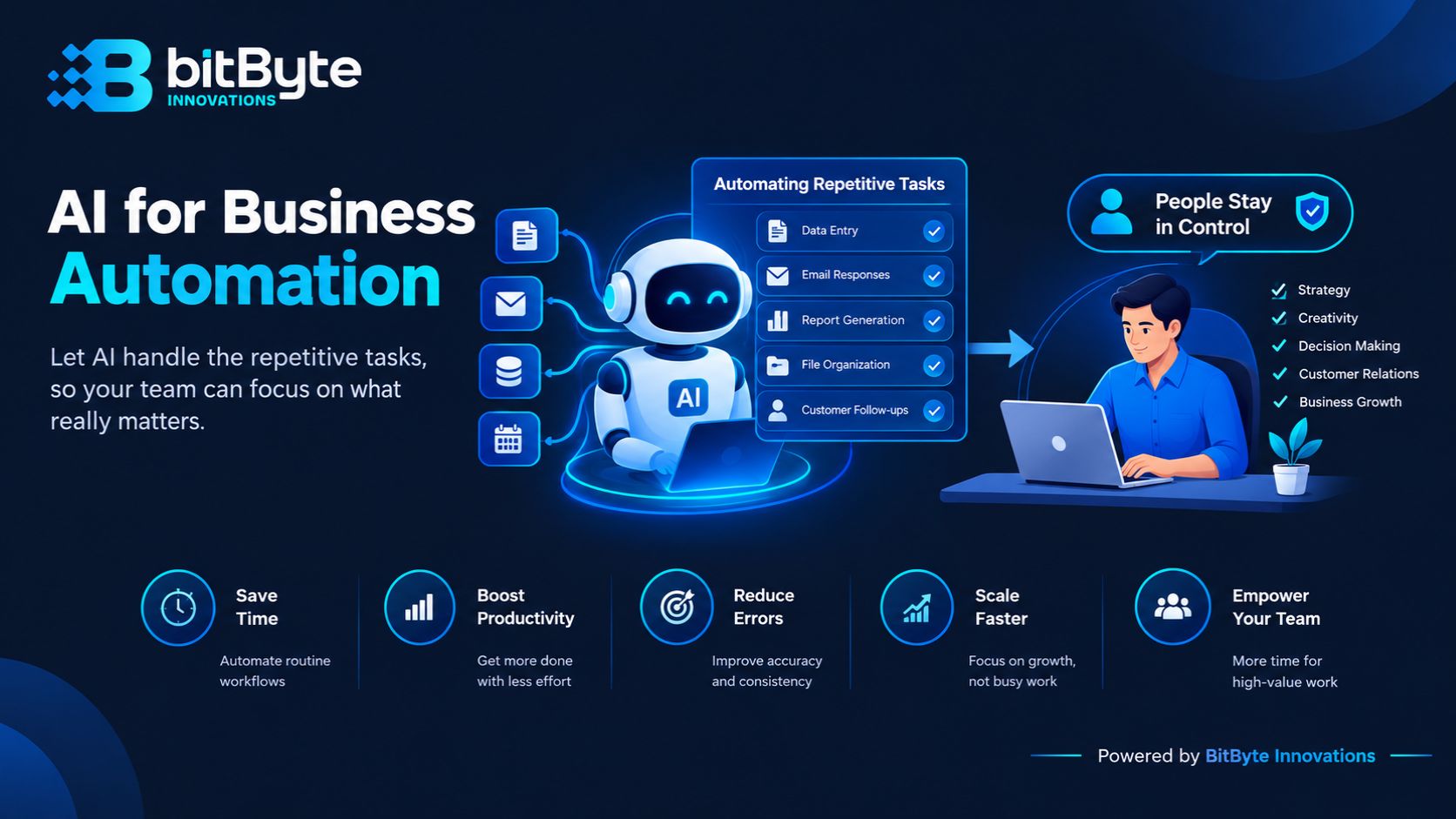
Traditional automation follows fixed rules. If an invoice arrives, save it to a folder. That works well, and tools for robotic process automation have done it for years.
AI adds judgment. It can read a messy invoice, find the total, and flag anything odd. So ai for business automation covers the untidy jobs too, such as free-text messages, scanned forms, and mixed data. If you want the wider background, Google Cloud’s guide to what artificial intelligence is is a good primer.
Most companies don’t need a huge system. They need two or three well-chosen workflows for ai for business automation. That is also how our AI solutions team approaches projects: start small, prove the value, then expand.
Sign 1: Repetitive Tasks Eat Your Team’s Day
Start with the clearest signal. Your staff spend hours on work that never changes. Think of data entry, invoice checking, daily sales reports, or copying orders from a Facebook inbox into Excel.
Try this test. Ask each person to list the three tasks they like least. Circle the ones that repeat every day or every week. Those are your first candidates.
This is where ai for business automation pays off fastest. The task is boring, the steps are the same, and mistakes creep in when people are tired. A well-built workflow does it the same way every time.
Sign 2: Your Processes Are Easy to Write Down
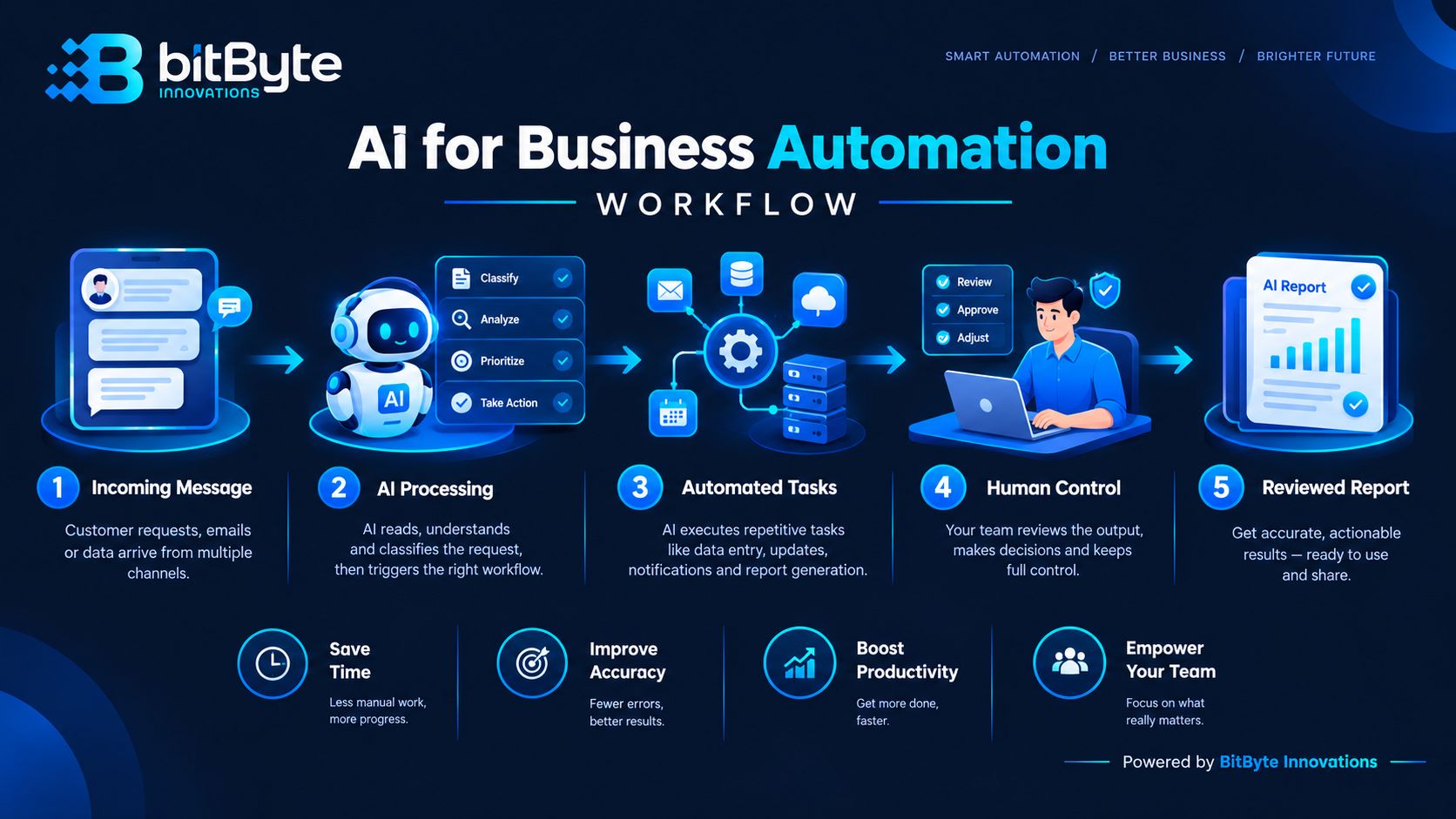
Automation needs a path to follow. If you can describe a task in ten steps, software can probably help. If the answer changes depending on who is on shift, fix the process first.
The good news is that you don’t need perfect documents to begin ai for business automation. A rough checklist is enough. Many teams find that writing the steps down already exposes wasted effort.
A short AI readiness audit helps here. It maps your tasks, ranks them by effort and payoff, and gives you a roadmap. You then know what to automate first and what to leave alone.
Sign 3: Customers and Leads Wait Too Long
Slow replies cost sales. A shopper who asks about price or delivery at 11 p.m. often moves on to the next seller by morning.
A chatbot is one of the most common forms of ai for business automation. It can answer common questions at any hour. It can share prices, check stock, and collect contact details. Then it hands tricky chats to a human. We cover this in detail in our guide on how AI chatbots are transforming customer service in Bangladesh.
If most of your orders arrive through chat apps, WhatsApp marketing pairs well with automation. Campaign leads can be qualified and routed without anyone watching the phone all day.
Sign 4: Your Data Lives in Too Many Places
Sales sit in one sheet. Courier reports sit in another. Mobile payment statements sit in a third. Every month-end, someone spends days making the numbers match.
AI works best when it can reach your data. Scattered files make ai for business automation slow and unreliable. The fix is often simple: connect your tools, so information flows without manual copying.
That connection step is part of a wider digital transformation plan. When off-the-shelf tools don’t fit your workflow, custom software solutions can bridge the gaps.

Sign 5: Growth Adds Cost and Errors
Here is a warning sign many owners miss. Every extra order means another hire, another desk, and another round of mistakes. Revenue grows, but so does the workload per person.
You may also see wrong invoices, missed follow-ups, or staff who feel stretched thin. Late payments and unhappy customers often follow. Those are signs that your process can’t scale by effort alone.
With ai for business automation, volume can rise without a matching rise in headcount. Your team shifts from typing and checking to reviewing and deciding. That is better for them and for your customers.
Quick Readiness Checklist
Count how many of these are true for your business today:
- Staff repeat the same digital task every day or week.
- You can list the steps of that task on one page.
- Customers or leads often wait hours for a reply.
- Your numbers live in three or more separate tools.
- Growth means more hiring, more mistakes, or both.
- Someone on your team can own the project.
If you ticked three or more, you are probably ready for a small ai for business automation pilot. If you ticked one or two, start by cleaning up one process. You can revisit the list in a month.
Check Security and Oversight First
Any ai for business automation project touches customer details, payment records, and internal files. So decide early who can see what. Keep a human in the loop for anything that affects money or customer promises.
The NIST AI Risk Management Framework offers a practical way to think about AI risk. For hands-on protection of your systems and data, see our cybersecurity services.
How to Start With AI for Business Automation
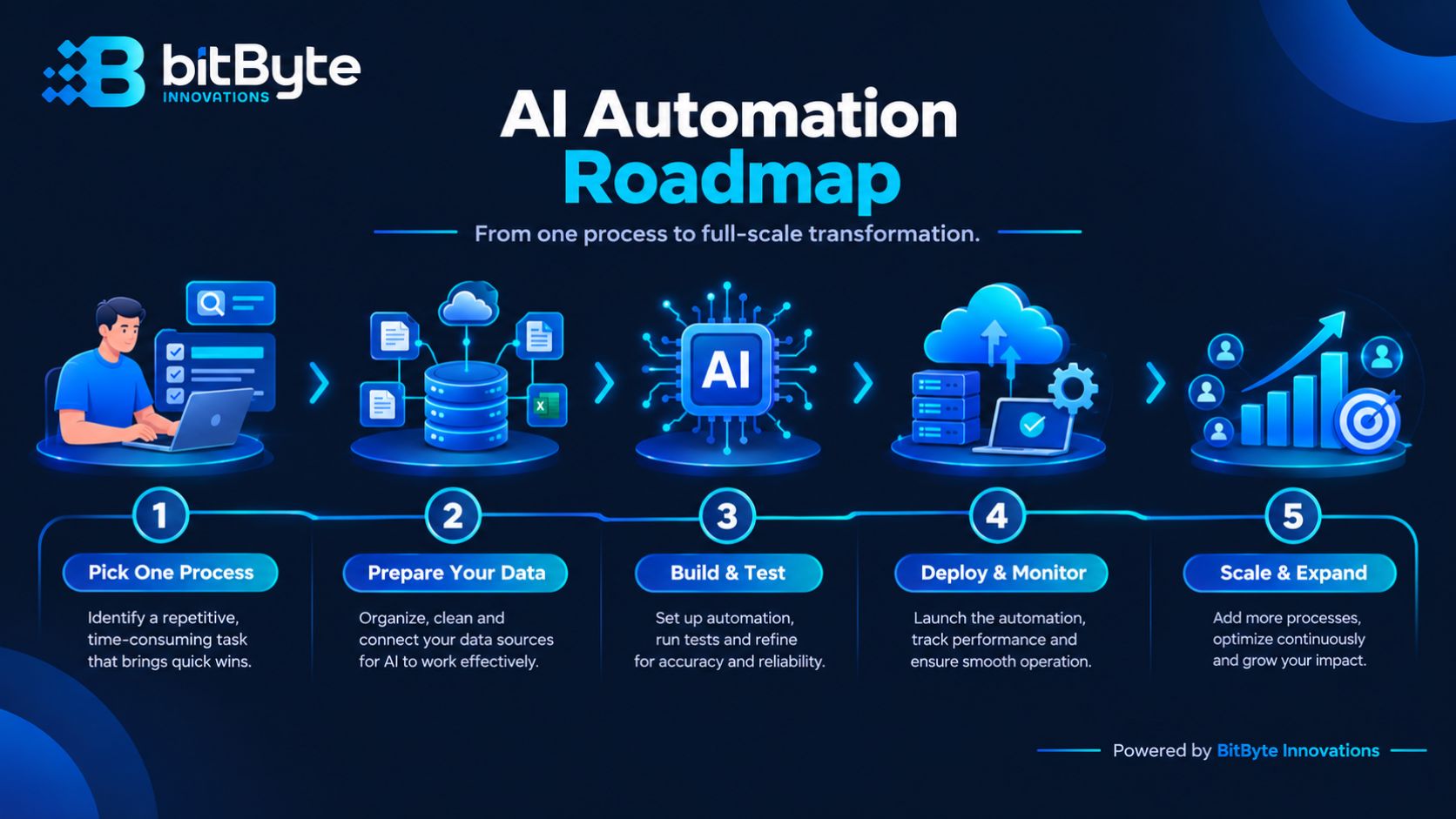
You don’t need a big budget to begin. You need one clear target and a few weeks. Follow these steps:
- Pick one process. Choose a task that is frequent, rule-based, and low risk.
- Measure today’s baseline. Note the hours spent and the errors made each week.
- Choose the approach. Simple cases may fit a ready-made tool. Complex ones may need a custom build.
- Run a short pilot. Test with real data, and keep a person reviewing the output.
- Compare and expand. If hours drop and quality holds, move to the next process.
Our AI solutions service covers each step, from use-case discovery to integration and monitoring. The team is based in Chattogram and works with clients across Bangladesh and abroad.
Frequently Asked Questions
Is AI automation only for large companies?
No. Small and mid-sized businesses often gain the most from ai for business automation, because each saved hour is a bigger share of the day. Start with one workflow and grow gradually.
How much does AI automation cost?
It depends on scope. Simple tasks may run on affordable ready-made tools. Custom workflows and integrations cost more. A small pilot is the safest way to learn the real number before you commit.
Will AI replace my employees?
Not in most cases. AI takes over repetitive steps, while people handle judgment, relationships, and exceptions. Many teams use the freed time for sales, service, and planning.
How long until I see results?
AI for business automation can show results quickly. A simple chatbot or reporting workflow can go live within a few weeks. Larger projects take longer because they need data preparation and testing. Track your baseline so you can prove the gain.
Ready to Try AI for Business Automation?
If you recognized your business in two or three of these signs, ai for business automation is within reach. The next step is small and practical. Pick one process, set a goal, and test it.
Want help choosing where to start? Book a free AI consultation with BitByte Innovations. We will look at your workflows and tell you honestly where automation will pay off, and where it won’t.